
Last Z Auto Helper
Presses the Last Z alliance help button for you, quietly in the background
- Version
- v1.2.3
- Released
- 26 September 2026
- Platform
- Windows 10 / 11
- Price
- Free
- Status
- Available
Get it from Microsoft Store Download v1.2.3 Website ↗ Source on GitHub ↗
About
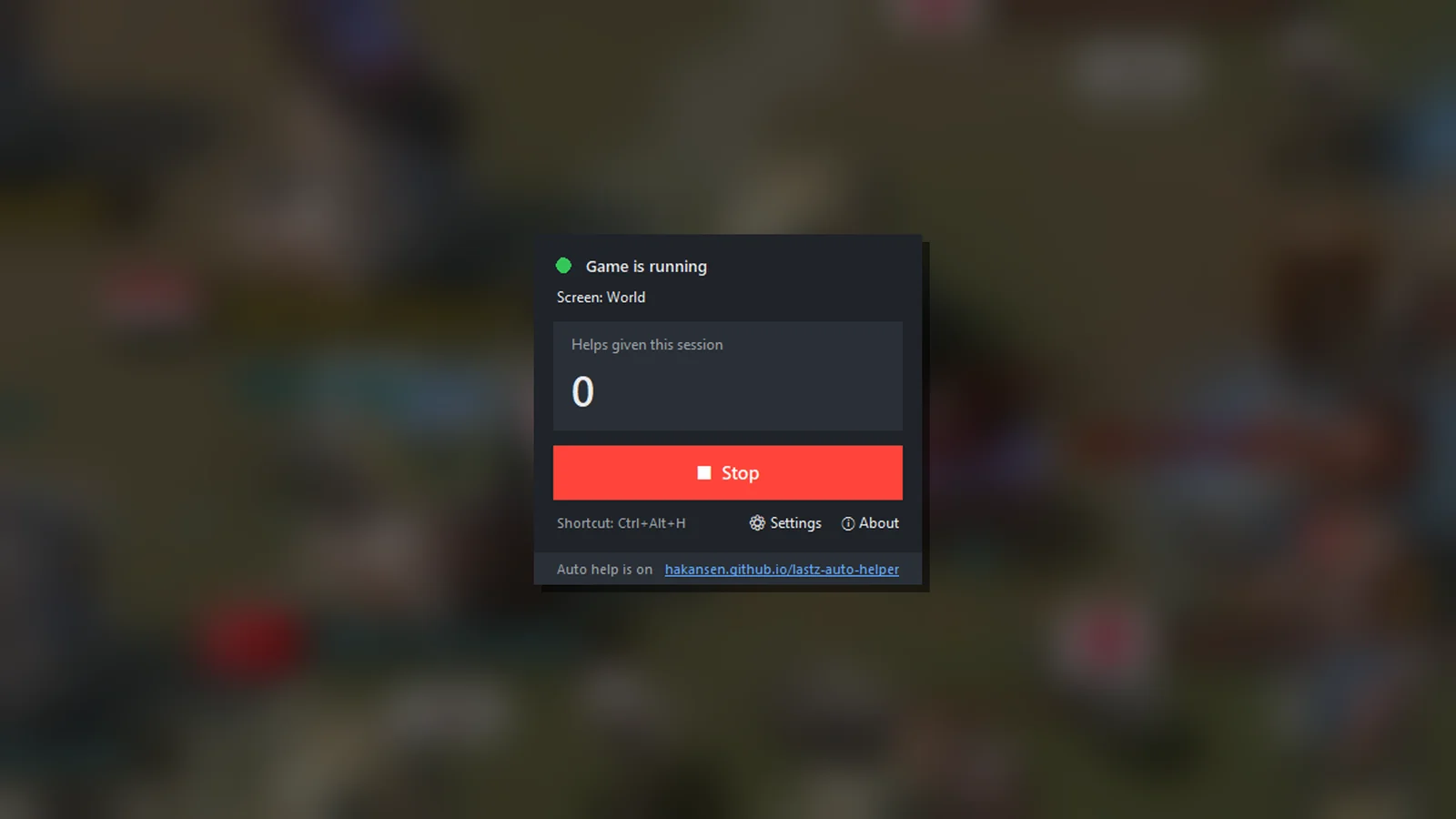
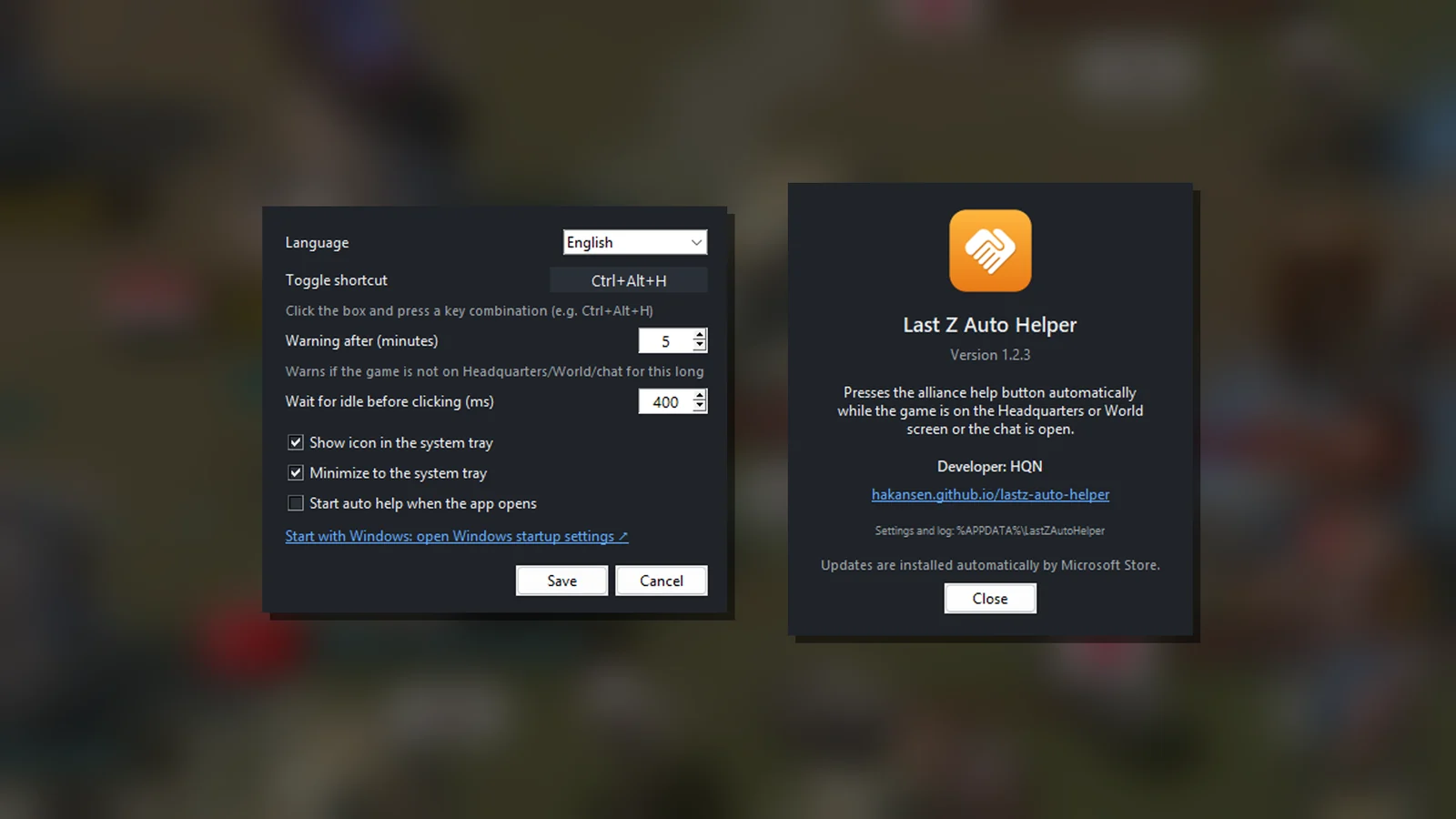
Last Z Auto Helper is a small companion tool for the PC version of Last Z. While the game is on the Headquarters or World screen, or the chat is open, it notices the alliance help button and presses it for you — so your alliance members get their help without you having to watch the screen.
It stays out of your way: it waits until you are not using the mouse or keyboard, clicks, and instantly puts your cursor and active window back.
- Automatic alliance help on the Headquarters, World and chat screens
- Only confirmed helps are counted in the session counter
- Game status light shows whether the game is running and which screen it is on
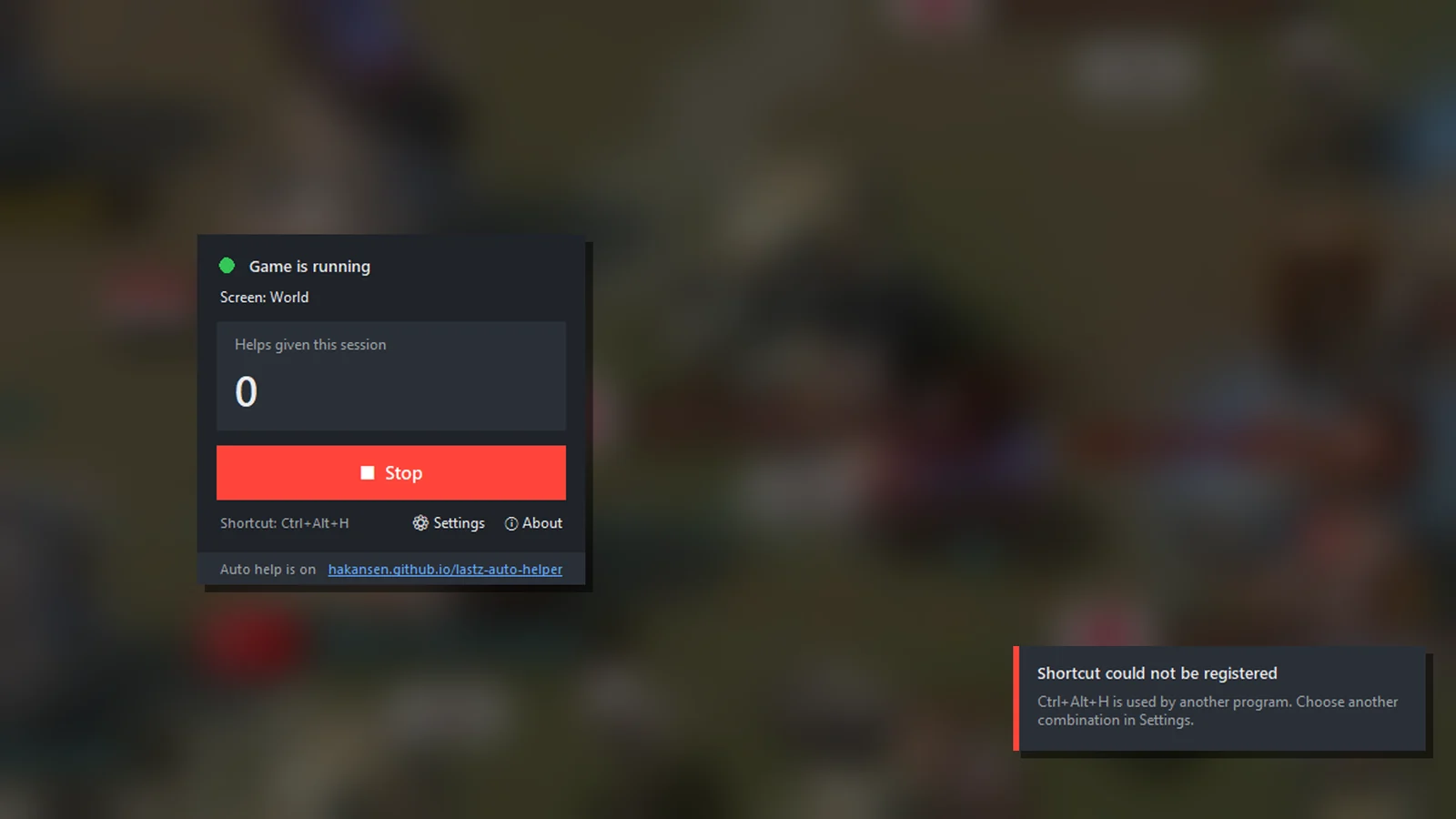
- Global shortcut (Ctrl+Alt+H) to switch auto help on or off from anywhere
- Warning when help cannot be given for a while
- System tray, optional start with Windows, English and Turkish
An independent tool, not affiliated with the developers or publishers of Last Z.
Version history
-
v1.2.3 stable
New
- Microsoft Store support: the Store version is updated by the Store and uses the Windows startup settings
Improved
- New original app icon
- Privacy policy page on the website
Download v1.2.3 1 downloads
-
v1.2.2 stable
Improved
- Alliance help is now also given while the chat is open
Fixed
- The help button next to the chat messages was detected but not pressed
-
v1.2.1 stable
New
- Update check: once a day on startup and on demand from About
- New-version notification that opens the download page with one click
- English is now the default language (Turkish is still available)
Improved
- Groundwork for first-aid automation (not enabled yet)
- Code-signing support in the build pipeline
- Version and publisher information embedded in the executable
- Website, version information and downloads moved to GitHub
-
v1.1.0 stable
New
- System tray icon with Show, Start/Stop and Exit menu
- Option to minimize to the system tray
- Multiple languages (English, Turkish); language changes apply instantly
- First-run setup: choose language and preferences
- About window and website link in the status bar
- Start with Windows option
Improved
- Installer asks for its language and passes it to the app
- Uninstaller removes the start-up entry
-
v1.0.0 stable
New
- Automatic alliance help while the game is on the Headquarters or World screen
- Game status light and current screen display
- Start/Stop button and global shortcut (Ctrl+Alt+H by default)
- Help counter for the current session (only confirmed helps are counted)
- Warning notification when help cannot be given for too long
Improved
- Real-mouse clicks that return the cursor and focus instantly and wait for you to be idle
- Single instance protection
- Windows installer (no administrator rights needed)
For update checks: latest.json and releases.json are always up to date.