
HEIC Toolkit
Convert iPhone HEIC photos to JPG, PNG, WebP or AVIF — hundreds at once, fully offline
- Version
- v1.0.0
- Released
- 28 September 2026
- Platform
- Windows 10 / 11
- Price
- One-time purchase
- Status
- Coming soon
About
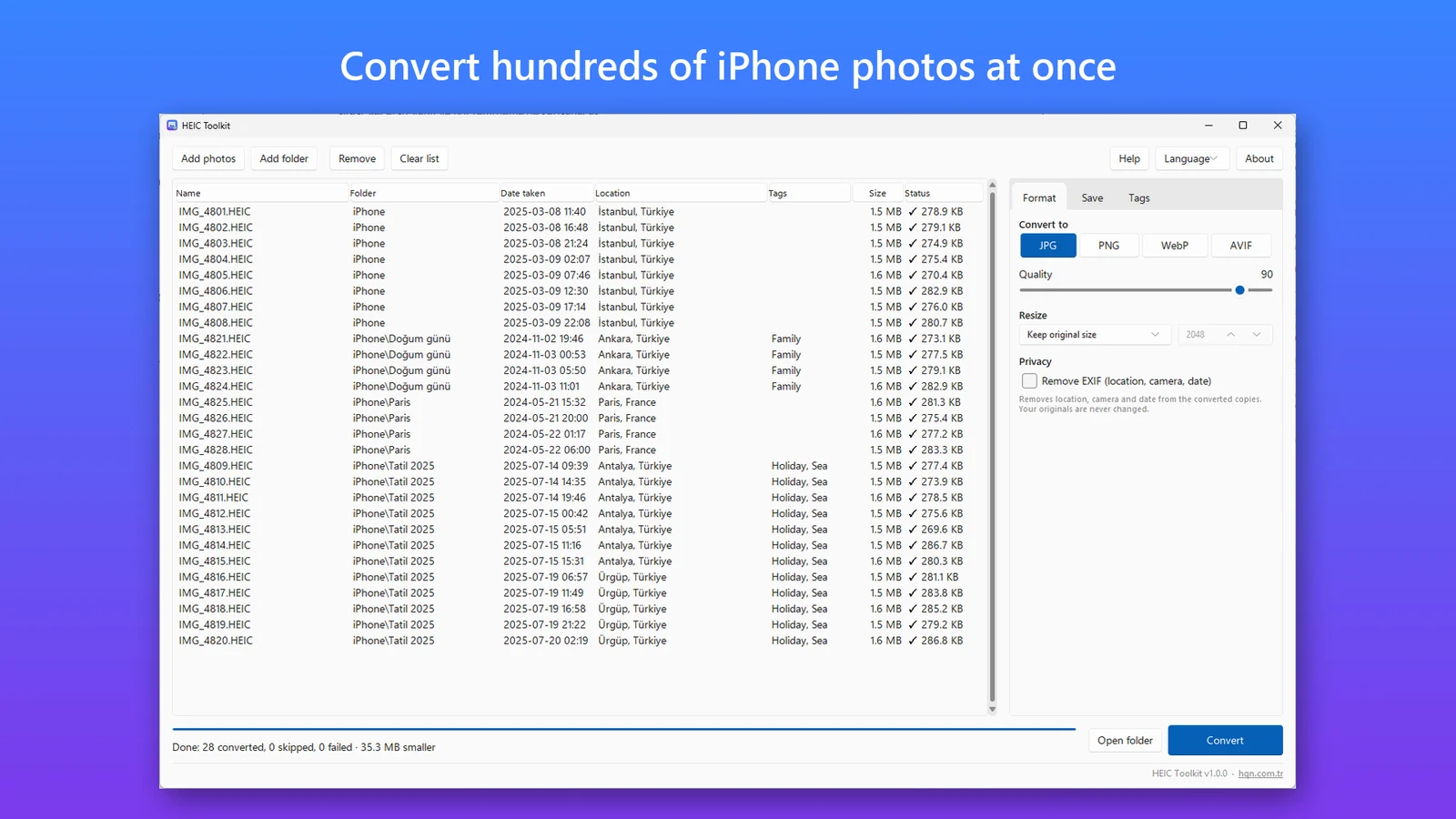
Got photos from an iPhone and Windows won't open them? HEIC Toolkit converts HEIC/HEIF photos to JPG, PNG, WebP or AVIF — one photo or thousands in a single batch. Everything runs on your PC; your photos are never uploaded anywhere.
What it does
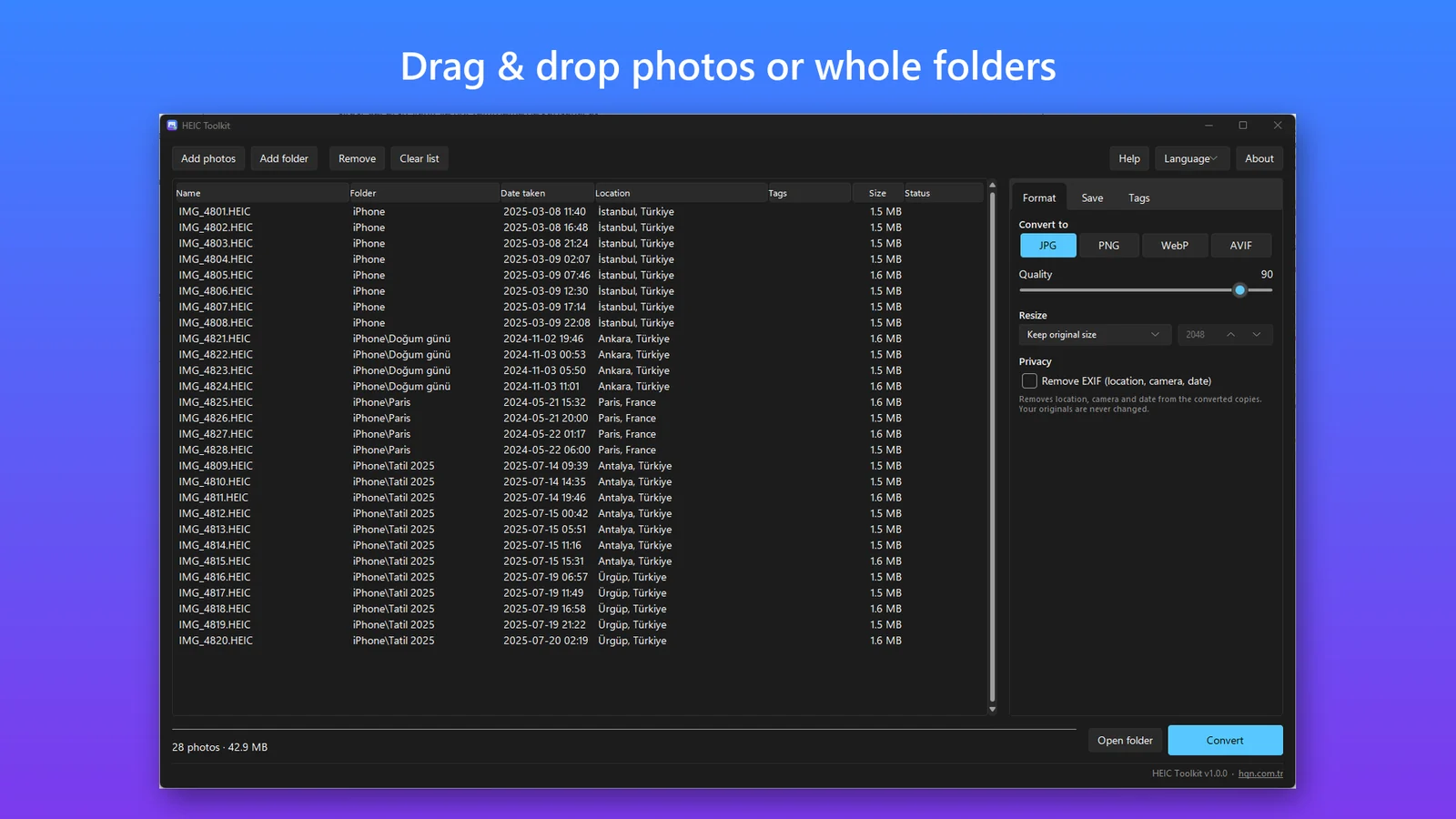
- Batch convert photos or whole folders, including subfolders, with drag and drop
- Four formats: JPG, PNG, WebP and AVIF, with quality control
- Resize by longest side or percentage, never upscales
- Remove EXIF — location, camera and date — before sharing online
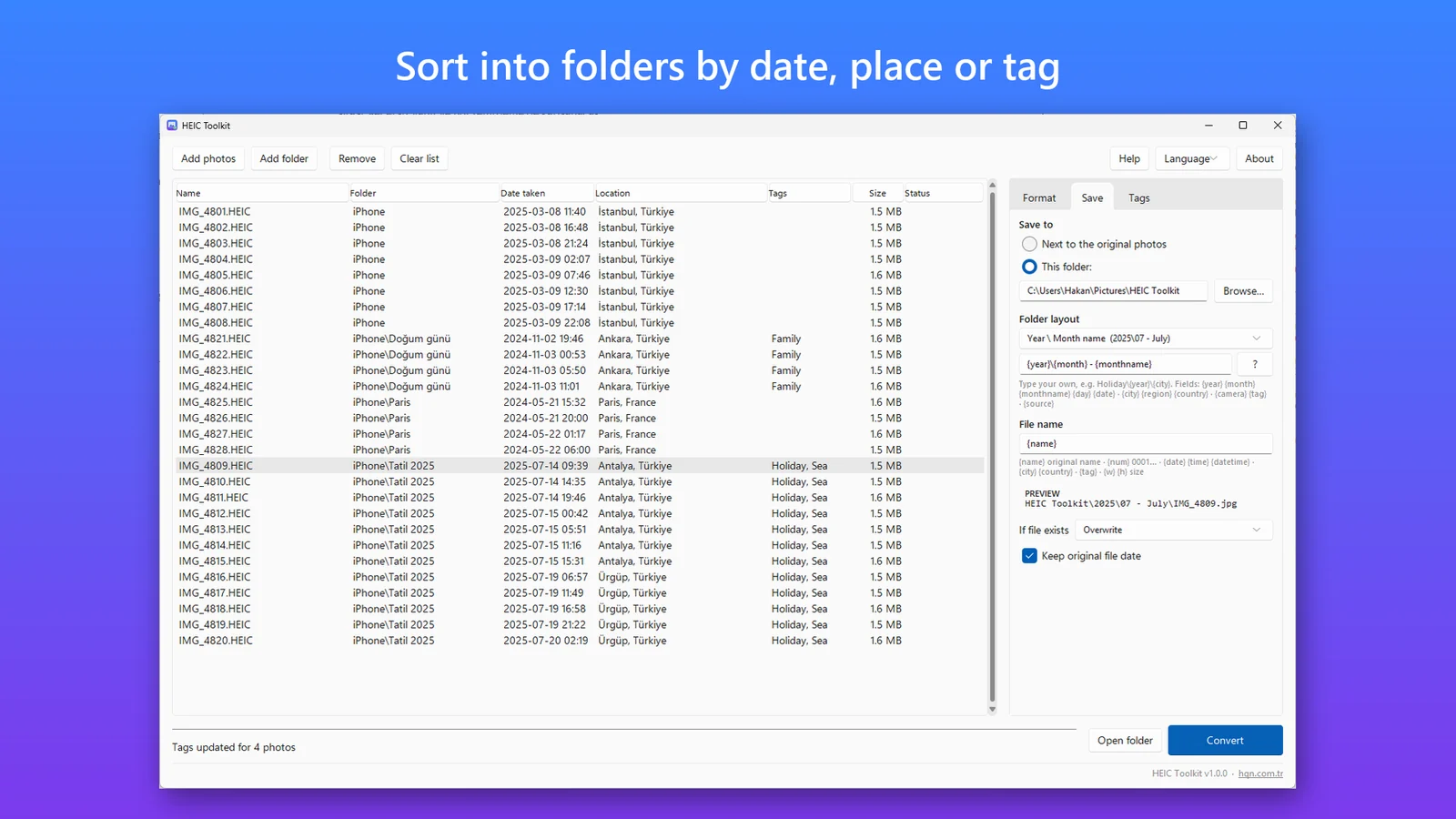
- Sort into folders by year and month, country and province, tag or camera, or write your own layout like
Holiday\{year}\{city} - Offline place names from GPS: no internet connection, your locations never leave your PC
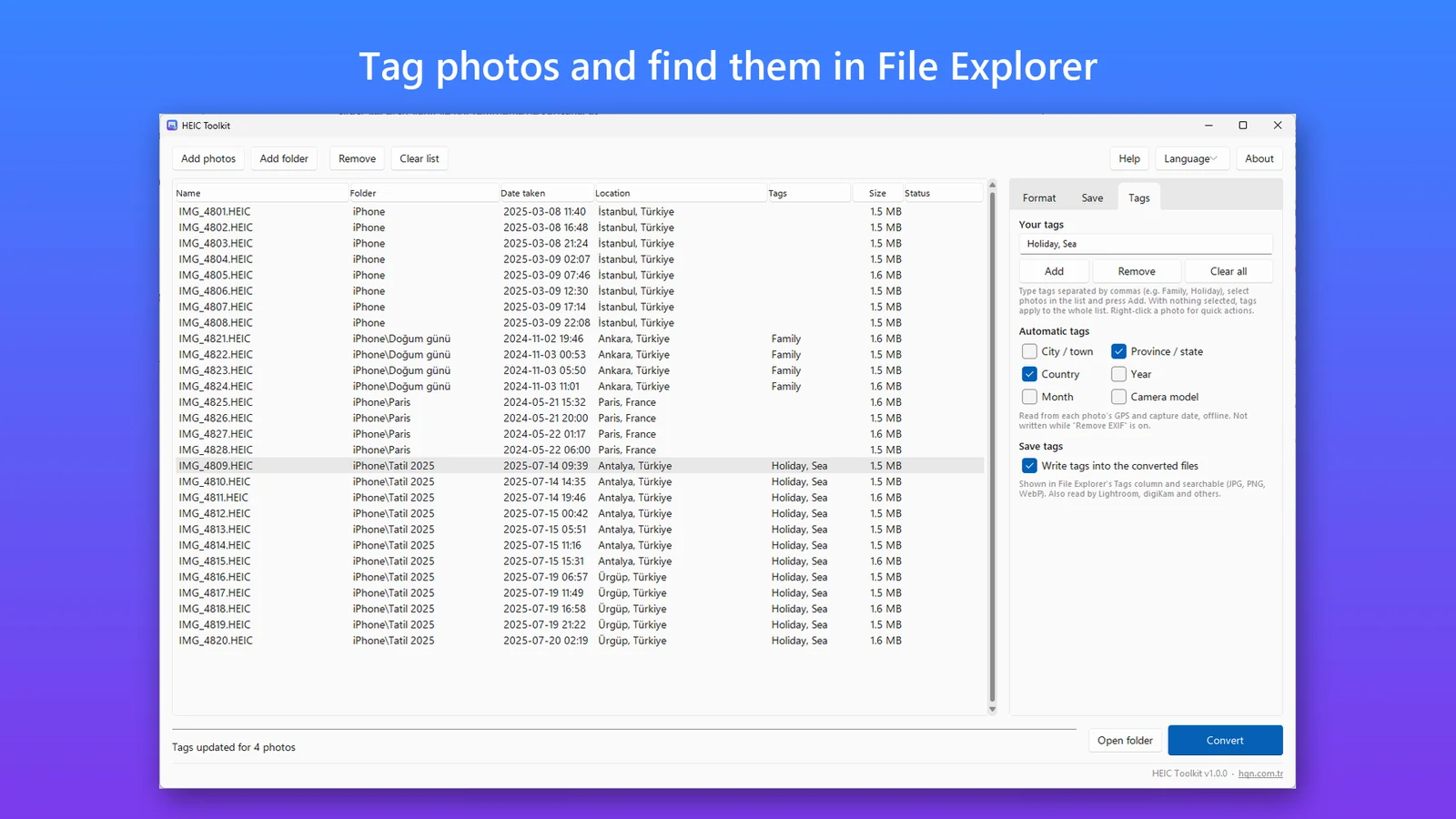
- Tags you add yourself plus automatic ones (city, country, year…), saved into the files and searchable in File Explorer
- Rename with templates and see a live preview of every output path
- Correct rotation, colour profile kept, original file dates kept
- Built-in illustrated user guide, English and Turkish, light and dark theme
No ads, no watermarks, no limits. Pay once, use forever.
Version history
-
v1.0.0 stable
New
- Batch conversion of HEIC/HEIF photos to JPG, PNG, WebP and AVIF
- Resize, quality, remove EXIF, rename templates
- Folder layouts by date, place (offline GPS), tag or camera with live preview
- Manual and automatic tags written into the files (visible in File Explorer)
- Built-in illustrated user guide, English and Turkish
For update checks: latest.json and releases.json are always up to date.